
Comment-to-DM automation lets you automatically send a direct message to anyone who comments a specific keyword on your Instagram post or reel. It uses the official Meta Messaging API, works 24/7, and is the fastest way for creators to capture leads, deliver content, and start conversations at scale.
What is Comment-to-DM Automation?
If you've ever posted a reel and said "Comment LINK to get the free guide," you already understand the concept. Comment-to-DM automation takes that manual process and makes it instant and automatic.
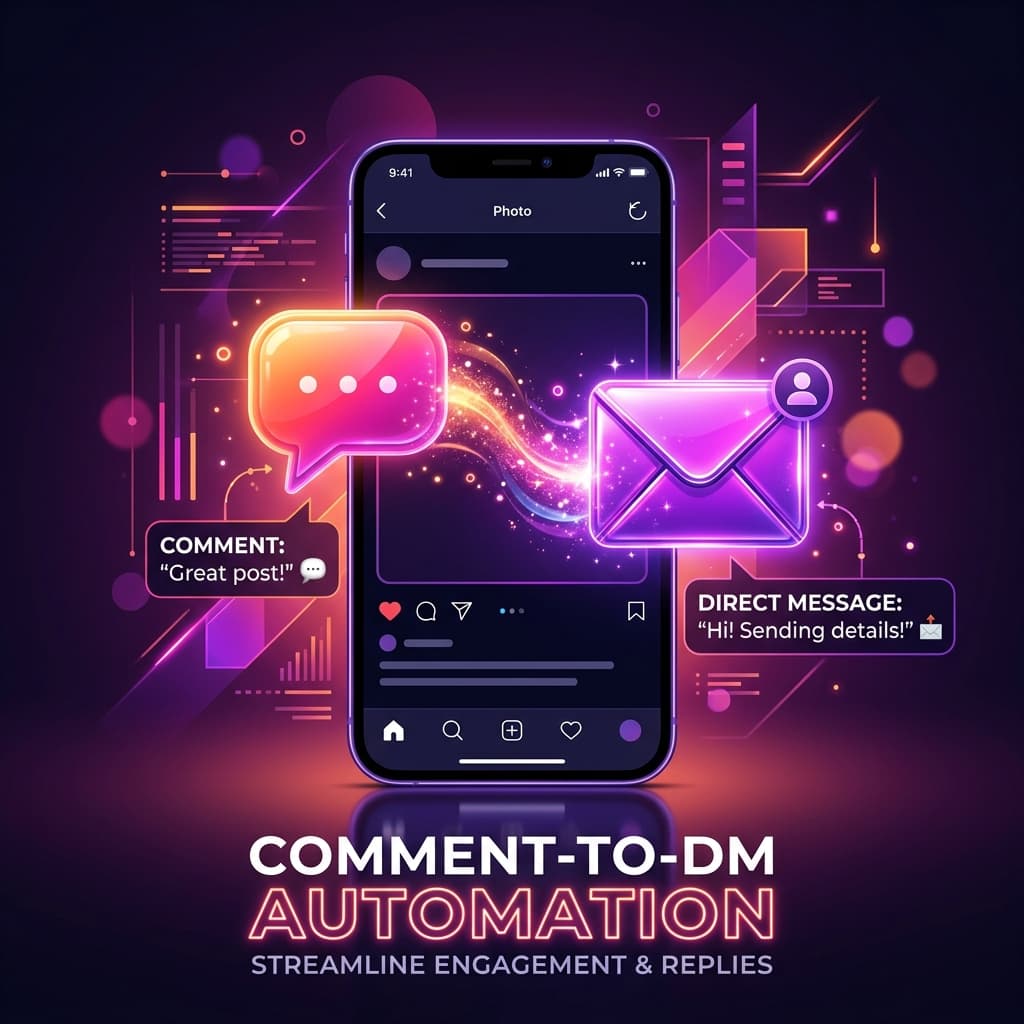
Here's the flow: a follower comments a trigger keyword on your post → your automation tool detects it in real-time → a personalized DM is sent to that person within seconds. No manual work. No missed messages. No delays.
The key difference from older "Instagram bots" is that modern tools like Repso use the official Meta Graph API. This means your account stays safe, you're within Instagram's policies, and the automation is reliable.
Why Creators Use Comment-to-DM
The reason this strategy has exploded among Indian creators, coaches, and small businesses is simple: it converts. Here's why:
- Instant response — People who comment are at peak interest. A DM within seconds captures that attention before they scroll away.
- Higher engagement rates — Posts with "comment X to get Y" CTAs naturally get more comments, which boosts your reach in the algorithm.
- Lead capture without friction — No link in bio, no landing page needed. The DM is the funnel.
- Works while you sleep — Whether it's 3 AM or you're on vacation, the automation handles every comment.
- Scalable — Whether you get 10 comments or 10,000, the system handles it with built-in rate limiting and queue management.
How It Works (Step by Step)
Let's break down the technical flow so you understand exactly what happens behind the scenes:
- You create a post or reel with a call-to-action like "Comment EBOOK to get my free guide."
- You set up an automation with the trigger keyword "EBOOK" linked to that specific post (or all posts).
- A follower comments "EBOOK" on your post.
- Instagram sends a webhook to your automation platform (like Repso) notifying it of the new comment.
- The platform matches the keyword, checks cooldowns and rate limits, then sends a DM to the commenter via the official Messaging API.
- The commenter receives your DM — with your link, PDF, message, or whatever you configured — within seconds.
The entire process happens in under 5 seconds from comment to DM delivery.
Ready to automate your Instagram?
Set up your first automation in under 3 minutes. Free plan available.
Setting Up Comment-to-DM with Repso
Here's how to set this up in Repso — it takes about 3 minutes:
Step 1: Connect your Instagram account
Sign up for Repso and connect your Instagram Business or Creator account via the official Meta OAuth flow. You'll authorize the necessary permissions (messages, comments) and you're connected.
Step 2: Create a new automation
Go to the Automations page and tap "New Automation." Choose your trigger scope:
- Specific Post — Only triggers on one post or reel
- Any Post — Triggers on all your posts
- Next Post — Automatically attaches to your next published post
Step 3: Set your trigger keyword
Enter the keyword(s) you want to trigger the automation. For example: "EBOOK", "LINK", "FREE". Keywords are case-insensitive, so "ebook" and "EBOOK" both work.
Step 4: Write your DM message
Craft the message that gets sent. You can use variables like {{username}} to personalize it. Example:
Hey {{username}} 👋 Thanks for your interest! Here's the free ebook you requested. Let me know if you have any questions!
Step 5: Activate and publish your post
Toggle the automation on, publish your post with the CTA, and watch the DMs flow in automatically.
Best Practices for Comment-to-DM
- Keep keywords simple — One word works best. "LINK", "FREE", "YES" are easy for followers to type.
- Set a per-user cooldown — Prevent the same person from triggering the automation multiple times. 24 hours is a good default.
- Personalize your DM — Use the commenter's username. A personal touch increases open rates significantly.
- Add a comment reply too — Reply to the comment publicly ("Just sent it to your DMs! 📩") to create social proof and encourage others to comment.
- Test before going live — Comment on your own post with the keyword to verify the DM arrives correctly.
- Use viral protection — If your post goes viral, rate limiting prevents Instagram from flagging your account for sending too many DMs too fast.
Common Mistakes to Avoid
- Using unofficial tools — Bots that scrape or use browser automation will get your account restricted. Always use tools built on the official Meta API.
- No cooldown — Without a cooldown, the same person commenting twice gets two DMs. That feels spammy.
- Generic messages — "Hi, here's your link" doesn't convert. Write like a human, not a robot.
- Ignoring analytics — Track which keywords and posts drive the most DMs. Double down on what works.
- Too many keywords on one post — Keep it focused. One post, one CTA, one keyword.
Start automating today
Turn comments into conversations — automatically. Set up in under 3 minutes.
Start Free — No Card NeededFrequently Asked Questions
Is this safe for my Instagram account?
Yes — when using a tool built on the official Meta Messaging API (like Repso), your account is completely safe. Meta designed this API specifically for business messaging automation.
Do I need a Business or Creator account?
Yes. The Instagram Messaging API only works with Business or Creator accounts that are connected to a Facebook Page. Personal accounts cannot use this feature.
How fast does the DM get sent?
Typically within 2-5 seconds of the comment being posted. Repso processes webhooks in real-time with sub-second detection.
Is there a limit on how many DMs I can send?
Meta has its own rate limits on the Messaging API. Repso's viral protection system automatically manages these limits so you never exceed them — even if a post goes viral with thousands of comments.
Can I use this for Reels too?
Absolutely. Comment-to-DM works on feed posts, reels, and carousel posts. The trigger keyword detection works the same way regardless of post type.
What happens if someone comments the keyword twice?
If you've set a cooldown (recommended), the second comment is ignored. The person only receives one DM per cooldown period.
Comment-to-DM automation is one of the most effective strategies for Instagram creators in 2026. It combines the engagement boost of interactive CTAs with the conversion power of direct messaging — all running on autopilot.
If you're ready to set this up for your account, try Repso free — no credit card required, and your first automation takes less than 3 minutes to create.
