
Comment-to-DM automation is a system that detects when someone comments a specific keyword on your Instagram post, then instantly sends them a personalized direct message. It uses Meta's official Graph API and Webhooks, operates within Instagram's terms of service, and enables creators to deliver content, capture leads, and start conversations automatically at any scale.
What is Comment-to-DM Automation?
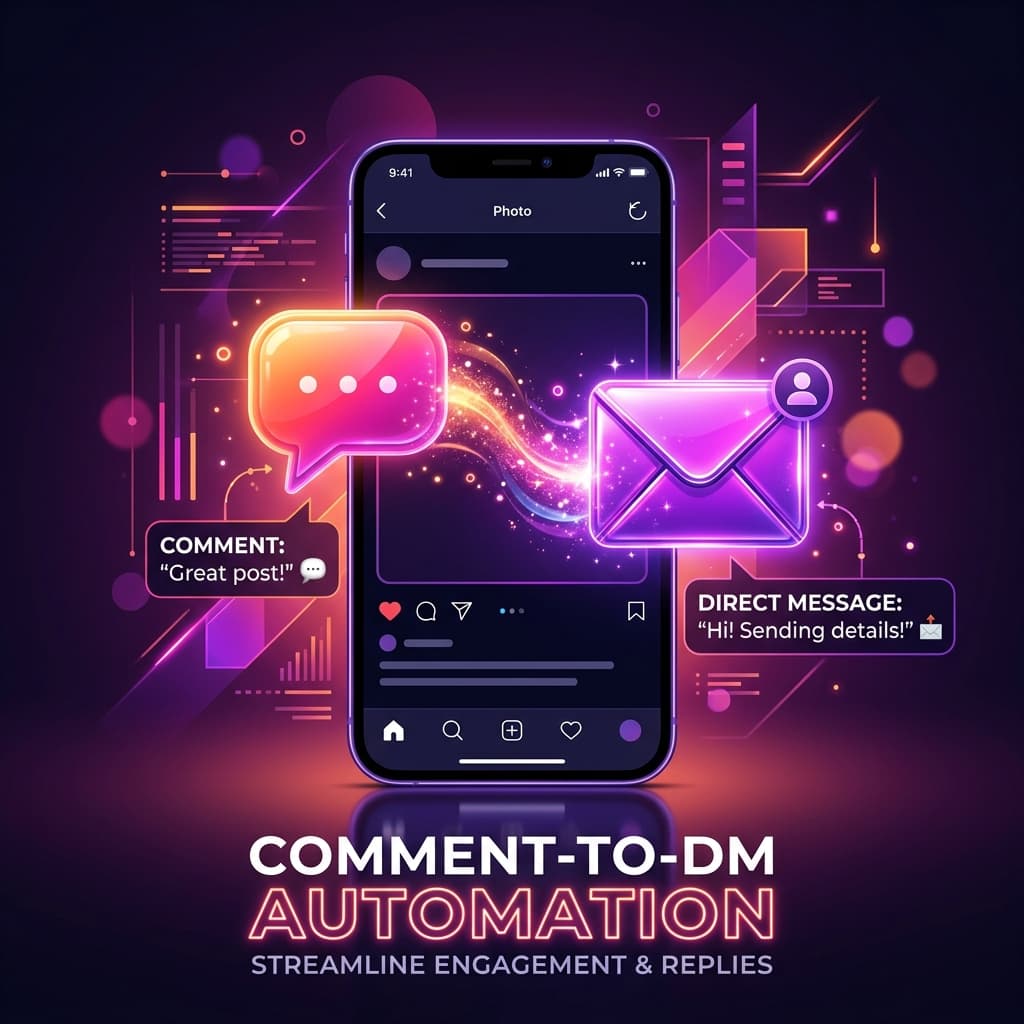
At its core, comment-to-DM automation connects two Instagram actions: a public comment and a private message. When a follower comments a predetermined keyword on your post or reel, the system triggers an automated DM to that person within seconds.
This isn't a hack or a workaround. Meta built the Instagram Messaging API specifically to enable businesses and creators to respond to engagement programmatically. The technology has been available since 2022, but tools like Repso have made it accessible to non-technical creators in 2025 and 2026.
The result is a powerful engagement loop: your content drives comments, comments trigger DMs, DMs start conversations, and conversations convert followers into customers, subscribers, or community members.
The Meta API Behind It
Understanding the technical foundation helps you appreciate why this is safe and reliable. Comment-to-DM automation relies on two Meta APIs:
- Instagram Graph API (Webhooks) — This allows applications to subscribe to real-time events on your Instagram account. When someone comments on your post, Meta sends a webhook notification to the automation platform with the comment details.
- Instagram Messaging API — This allows applications to send direct messages on behalf of your account. It supports text messages, images, links, and quick reply buttons.
Both APIs require your explicit authorization via OAuth. You grant specific permissions (instagram_manage_comments, instagram_manage_messages) when connecting your account. The platform can only do what you've authorized, and you can revoke access at any time.
Because these are official APIs, Meta monitors their usage and enforces rate limits. This is actually a feature, not a bug. It means your account is protected from over-sending, and legitimate automation tools build rate management directly into their systems.
How the Flow Works Technically
Here's the step-by-step technical flow from comment to delivered DM:
- Content publication — You publish a post, reel, or carousel with a CTA like "Comment GUIDE to get my free resource."
- Automation configuration — In your automation tool, you configure the trigger: post ID + keyword ("GUIDE") + DM content.
- Comment detection — A follower comments "GUIDE". Meta's webhook system immediately sends a POST request to the automation platform's server containing the comment text, commenter ID, and post ID.
- Keyword matching — The platform parses the comment text, checks it against your configured keywords (case-insensitive), and confirms a match.
- Cooldown and rate check — Before sending, the system checks if this user has already received a DM within the cooldown window and whether sending rates are within safe limits.
- DM delivery — If all checks pass, the platform calls the Instagram Messaging API to send your configured message to the commenter. Delivery typically happens within 2-5 seconds of the original comment.
- Optional comment reply — The system can also post a public reply to the comment (e.g., "Sent! Check your DMs") using the Graph API.
Ready to automate your Instagram?
Set up your first automation in under 3 minutes. Free plan available.
Top Use Cases
Comment-to-DM automation is versatile. Here are the most popular use cases across different creator and business types:
Lead magnet delivery
The classic use case. Offer a free PDF, ebook, checklist, or template in exchange for a comment. The DM delivers the download link instantly, eliminating the need for landing pages or email opt-ins as a first step.
Course and webinar registration
Promote a free workshop or webinar in your content. Commenters receive the registration link or access details directly in their DMs. This reduces friction compared to "link in bio" approaches.
Discount code distribution
E-commerce brands and product-based businesses use keyword triggers to distribute exclusive discount codes. Each DM can include a unique or shared coupon code.
Community building
Send invite links to private Telegram groups, Discord servers, or WhatsApp communities. The comment acts as an opt-in, and the DM delivers the invite instantly.
Discovery call booking
Coaches and service providers share client results, then invite interested followers to comment a keyword. The DM includes a Calendly or booking link to schedule a call.
Content series unlocking
Tease the first part of a multi-part series in your public post. Followers who want the full series comment a keyword and receive the remaining parts via DM.
Setup Guide with Repso
Setting up comment-to-DM automation with Repso takes less than 5 minutes:
1. Create your Repso account
Sign up at repso.app. No credit card required for the free plan.
2. Connect Instagram
Click "Connect Account" and authorize via Meta's OAuth. You'll need an Instagram Business or Creator account linked to a Facebook Page.
3. Create an automation
Navigate to Automations and click "New." Configure:
- Trigger scope — Specific post, any post, or next post
- Keyword(s) — The word(s) that trigger the DM (case-insensitive)
- DM message — Your personalized message with optional variables
- Comment reply — Optional public reply for social proof
- Cooldown — Per-user limit (recommended: 24 hours)
4. Test it
Comment the keyword on your own post to verify the DM arrives correctly. Check the message formatting, links, and personalization.
5. Go live
Activate the automation and publish your content with the CTA. Monitor the analytics dashboard to track comments, DMs sent, and engagement rates.
Safety and Compliance
A common concern is whether automation will get your account restricted. Here's what you need to know:
- Official API = Safe — Repso uses Meta's approved APIs. This is fundamentally different from browser bots or scraping tools that violate terms of service.
- Rate limiting built-in — Repso's viral protection system automatically throttles message sending when volumes spike, keeping you within Meta's approved limits.
- User-initiated conversations — Because the user comments first, the DM is classified as a response to user-initiated contact. This is the safest category of messaging under Meta's policies.
- Opt-out respect — If a user blocks your account or reports a message, the system automatically stops messaging them. No manual intervention needed.
- Transparent permissions — You control exactly what the platform can do. Permissions can be reviewed and revoked at any time in your Meta Business Settings.
Start automating today
Turn comments into conversations — automatically. Set up in under 3 minutes.
Start Free — No Card NeededFrequently Asked Questions
How is this different from Instagram bots?
Traditional Instagram bots use browser automation or unofficial APIs to mimic human actions. They violate Instagram's terms and frequently result in account restrictions. Comment-to-DM automation through Repso uses Meta's official, approved APIs. The difference is like using a bank's mobile app versus trying to hack their system.
Does the commenter need to follow me?
No. The Instagram Messaging API can send DMs to anyone who comments on your content, regardless of whether they follow you. However, the message may appear in their "Message Requests" folder if they don't follow you.
Can I send images or buttons in the DM?
Yes. The Messaging API supports text messages, images, and quick reply buttons. You can send a PDF cover image with a download link, or include buttons that lead to different actions.
What happens during a viral post?
If your post goes viral and receives thousands of comments in a short period, Repso's viral protection system queues messages and sends them at a safe rate. Every commenter still receives their DM, but delivery may be slightly delayed during extreme spikes.
Can I trigger different DMs for different keywords?
Absolutely. You can set up multiple automations on the same post, each with a different keyword and DM content. For example, "PDF" sends a document, while "CALL" sends a booking link.
Is there analytics for my automations?
Yes. Repso provides real-time analytics showing comments detected, DMs sent, delivery rate, and engagement metrics for each automation. You can see which posts and keywords drive the most conversations.
Comment-to-DM automation is the bridge between public engagement and private conversion on Instagram. By understanding the technology behind it, you can use it confidently knowing your account is safe and your followers are getting genuine value.
Ready to set up your first automation? Get started with Repso — free plan available, no coding required.
