
Instagram auto replies let you automatically respond to comments and DMs without writing any code. Using no-code platforms like Repso that connect to the official Meta API, you can set up keyword-triggered responses in minutes. When someone comments a specific word on your post, the system instantly sends them a personalized DM with your content, link, or offer — all running 24/7 without manual intervention.
What Are Instagram Auto Replies?
Instagram auto replies are automated responses that are triggered when someone interacts with your content in a specific way. There are two main types:
- Comment auto replies — When someone comments a keyword on your post, they automatically receive a DM with your pre-written response.
- DM auto replies — When someone sends you a direct message containing a keyword, they get an instant automated response.
The beauty of modern auto replies is that they use the official Meta Messaging API. This means your account stays safe, the responses are reliable, and you are fully compliant with Instagram's terms of service.
Unlike the old-school bots that scraped Instagram and got accounts banned, today's tools work with Instagram rather than against it.
Why No-Code Matters
Historically, setting up Instagram automation required developers, custom server infrastructure, and technical knowledge of APIs and webhooks. That left most creators, coaches, and small business owners unable to access this powerful strategy.
No-code platforms changed everything. Here's why this matters:
- Speed to launch — Set up your first automation in 3-5 minutes instead of weeks of development time.
- No technical team needed — If you can type a message, you can create an automation. No servers, no code, no deployment.
- Lower risk — No custom code means fewer things can break. The platform handles rate limits, error handling, and API changes.
- Easy iteration — Change your messages, keywords, or targeting in seconds. A/B test different approaches without developer involvement.
- Cost effective — No developer salaries or server hosting costs. Pay a simple monthly subscription that scales with your usage.
Tools for Instagram Auto Replies
When choosing a no-code auto reply tool, look for these essential features:
- Official Meta API integration — This is non-negotiable. Any tool not using the official API puts your account at risk.
- Keyword triggering — The ability to set specific keywords that activate the auto reply.
- Personalization variables — Insert the commenter's name or username into your messages automatically.
- Rate limiting and cooldowns — Built-in protections to prevent sending too many messages too quickly.
- Analytics dashboard — Track how many auto replies were sent, open rates, and conversion data.
- Follow gate support — Optionally require a follow before delivering content.
Repso offers all of these features in a simple interface designed specifically for Instagram creators and businesses in India and worldwide.
Ready to automate your Instagram?
Set up your first automation in under 3 minutes. Free plan available.
Step-by-Step Setup Guide
Here's exactly how to set up Instagram auto replies with Repso — no coding required:
Step 1: Create your Repso account
Sign up at repso.app with your email. No credit card required for the free tier. The process takes about 30 seconds.
Step 2: Connect your Instagram account
Click "Connect Instagram" and authorize via Meta's official OAuth. You will need a Business or Creator account connected to a Facebook Page. Grant the messaging and comments permissions when prompted.
Step 3: Create your first automation
Click "New Automation" and configure:
- Trigger scope — Choose specific post, any post, or next post
- Keyword — Enter the word that triggers the reply (e.g., "LINK")
- Case sensitivity — Usually keep this off so "link" and "LINK" both work
Step 4: Write your auto reply message
Compose the DM message that gets sent. Use variables like {{username}} for personalization. Keep it conversational and include your link or resource.
Step 5: Configure optional settings
- Cooldown period — Prevent duplicate DMs (recommended: 24 hours)
- Comment reply — Auto-reply to the comment publicly
- Follow gate — Require a follow before delivery
- Viral protection — Rate limit for viral posts
Step 6: Activate and test
Toggle the automation on, then test it by commenting the keyword on your post from a secondary account. Verify the DM arrives within seconds.
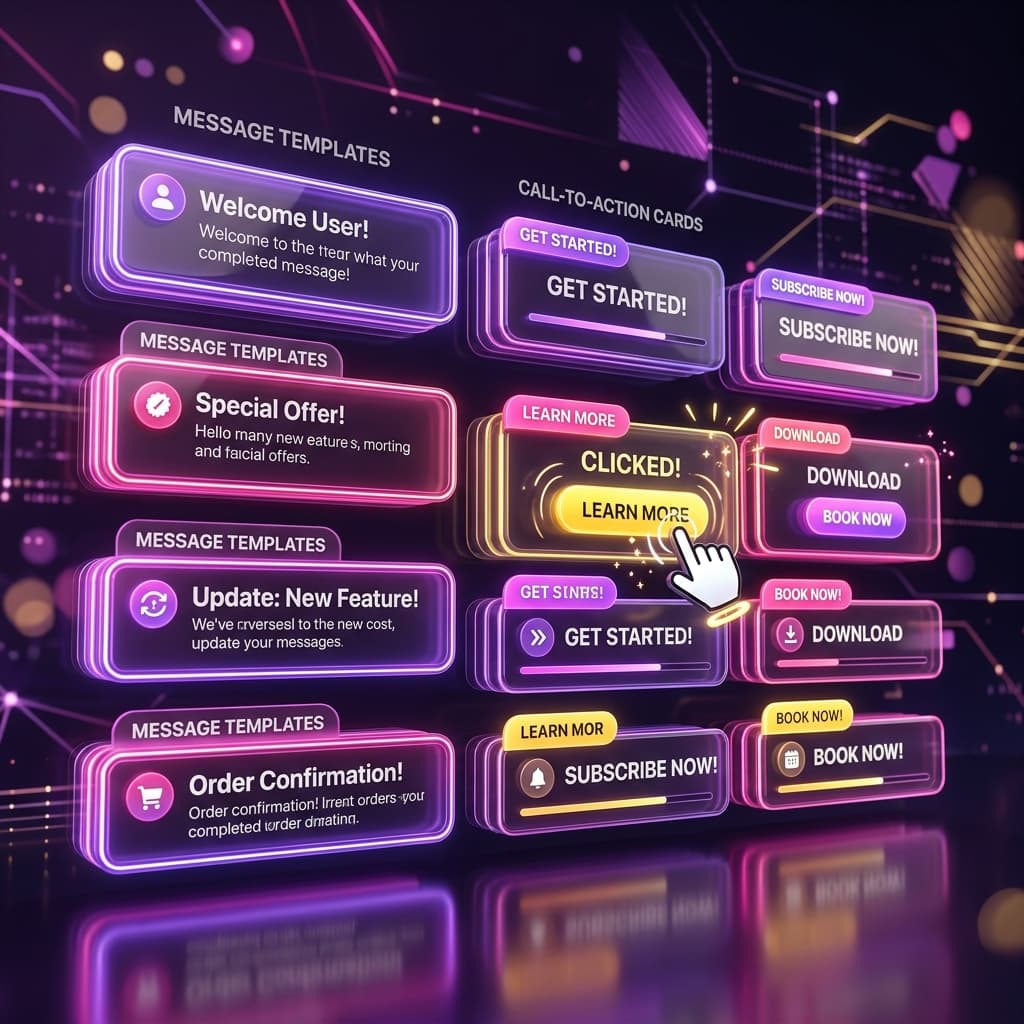
Message Templates That Convert
Here are proven message templates you can customize for your auto replies:
For free resource delivery
Hey {{username}} here's the free resource you asked for! [Your link]. Let me know if you have any questions — happy to help!
For lead generation
Thanks for your interest {{username}} I'd love to help you with [topic]. Here's the link to book a free call: [Your link]. Looking forward to connecting!
For product promotion
Hey {{username}} great taste! Here's the exclusive discount link I mentioned in the post: [Your link]. This offer expires in 24 hours so grab it while you can!
For community building
Welcome {{username}} so glad you want to join! Here's the invite link to our private community: [Your link]. See you inside!
Automation Rules and Triggers
Advanced automation rules let you create sophisticated response flows without any coding:
- Multiple keywords per automation — Trigger on "FREE", "LINK", or "YES" with the same response.
- Keyword matching modes — Exact match, contains, or starts with. Choose based on how precise you need the trigger to be.
- Post-specific vs. global rules — Some automations only fire on one post, others work across your entire account.
- Time-based rules — Schedule automations to activate or deactivate at specific times (great for limited offers).
- Sequential messages — Send a series of messages with delays between them for a drip-style delivery.
- Conditional logic — Send different messages based on whether someone is already following you or has interacted before.
All of these rules are configured through a visual interface — point, click, and type. No code, no APIs, no webhooks to configure manually.
Start automating today
Turn comments into conversations — automatically. Set up in under 3 minutes.
Start Free — No Card NeededFrequently Asked Questions
Do I need any technical skills to set this up?
No. If you can write an Instagram caption, you can set up auto replies. The entire process is done through a visual interface with no coding, command lines, or technical configuration required.
Will auto replies get my account banned?
Not when using tools built on the official Meta API like Repso. Meta designed this API specifically for business messaging. The risk comes from unofficial bots that use browser automation or scraping — avoid those entirely.
How many auto replies can I send per day?
Meta has its own rate limits on the Messaging API, which vary based on your account history and engagement. Repso automatically manages these limits with built-in viral protection so you never exceed them.
Can I use auto replies on Reels?
Yes. Auto replies work on all content types including feed posts, Reels, and carousels. The keyword detection works identically across all formats.
What happens if two people comment the same keyword at the same time?
The system processes all comments in a queue. Even if thousands of people comment simultaneously (viral post scenario), each person receives their DM in order. Repso's infrastructure handles high-volume scenarios without issues.
Can I edit my auto reply message after the automation is live?
Yes. You can edit your messages at any time. Changes take effect immediately for new triggers — people who already received a DM are not affected.
Setting up Instagram auto replies without coding is one of the smartest moves a creator or business can make in 2026. The tools are accessible, the results are immediate, and the time savings compound daily.
Ready to automate your Instagram replies? Get started with Repso for free — your first automation takes less than 5 minutes to create.
